Introduction
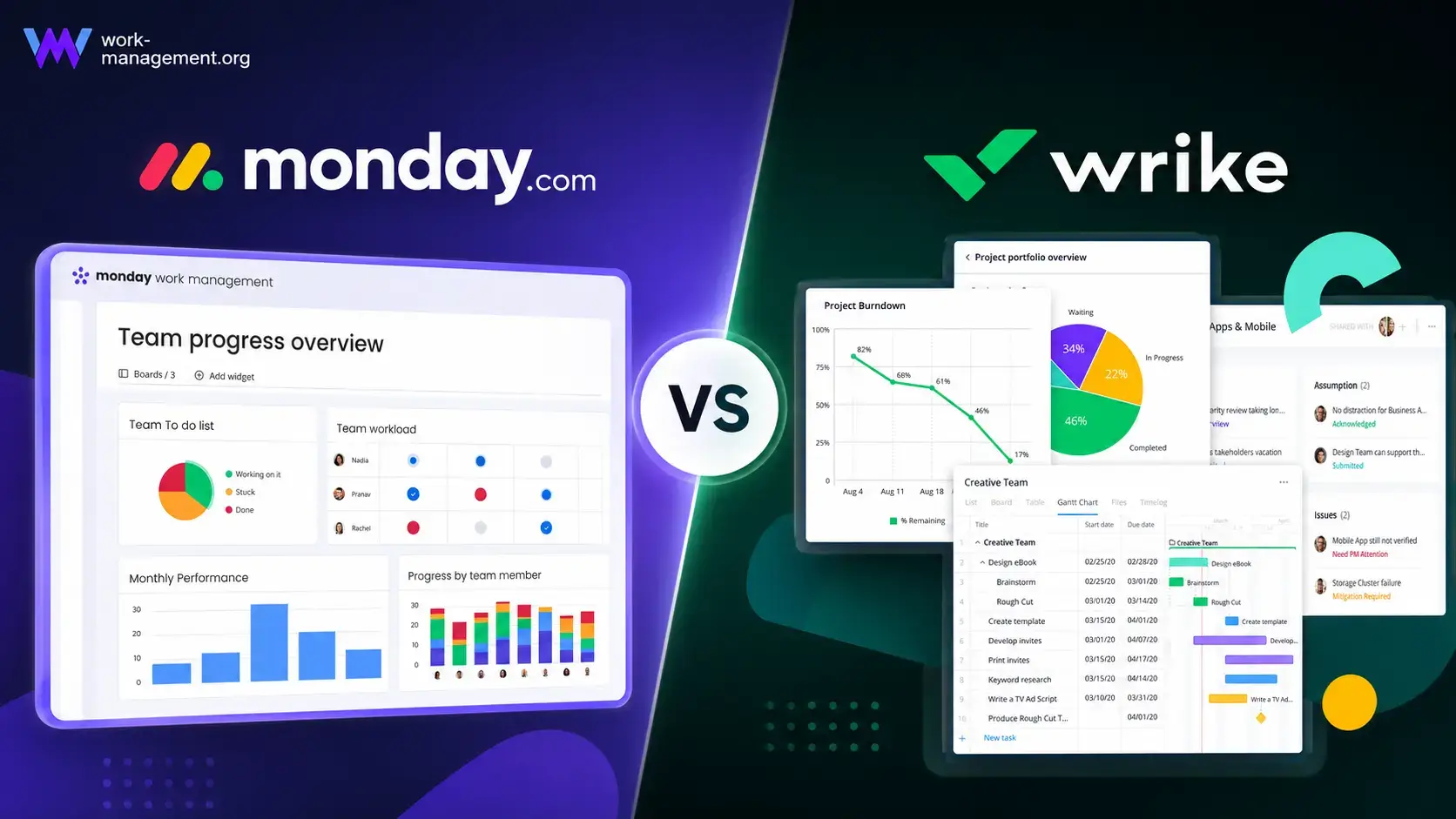
Choosing between monday.com vs Wrike is not simply a matter of comparing task lists, Gantt charts, and dashboards. Both platforms can manage complex projects, automate recurring work, coordinate resources, and give leaders a portfolio-level view. The more important question is how much structure your organization needs and how much effort your team will tolerate to maintain it.
monday.com is the better overall choice for most teams. Its visual boards, flexible data model, approachable automations, and readable dashboards make it easier to build a system that people across marketing, operations, HR, product, and leadership will actually use. Wrike is stronger when you need tightly controlled project structures, native creative proofing, formal approvals, or advanced resource planning for a mature project management office.
This comparison focuses on adoption, feature access, AI, administration, and total cost so you can see which platform will work better after the sales demonstration ends.
monday.com vs Wrike at a Glance
Use this table for a fast recommendation. The sections that follow explain where the result changes based on your team size, project complexity, and preferred management style.
| Comparison Area | monday.com | Wrike | Better Choice |
| Overall fit | Flexible cross-functional work management | Structured project and enterprise work delivery | monday.com for most teams |
| Ease of adoption | Visual, approachable, and easy to scan | Powerful but more process-heavy | monday.com |
| Task and project control | Highly configurable boards and connected workflows | Strong folder, project, task, and dependency structure | Close |
| Workflow automation | Accessible recipes and visual workflow building | Advanced rules become stronger on Business and above | monday.com |
| AI strategy | Sidekick, agents, AI columns, workflows, and app building | Copilot, agents, insights, and governed enterprise context | Depends on use case |
| Creative proofing | Annotations and approval workflows, with apps for deeper proofing | Native markup, versions, and formal approvals | Wrike |
| Resource management | Clear workload views and enterprise capacity tools | Deep capacity, roles, skills, time, and budgeting controls | Wrike for mature PMOs |
| Dashboards | Highly visual cross-board reporting | Detailed reports and analytics for structured work | monday.com for accessibility |
| Entry pricing | Basic from $9 per seat/month annually | Team from $10 per user/month | Close |
| Advanced self-service plan | Pro at $19 per seat/month annually | Business at $25 per user/month | monday.com |
My recommendation: choose monday.com when fast adoption, flexible workflows, and clear reporting matter most. Choose Wrike when your organization already operates with formal project governance and will actively use its proofing, capacity planning, budgeting, and advanced administrative controls.
How monday.com and Wrike Were Compared
This comparison applies the same launch workflow to both platforms: intake, five phases, 35 tasks, dependencies, approvals, internal and external users, workload, budget, and executive reporting. It also measures the maintenance burden, because a feature creates little value when only one administrator can configure or explain it.
| Evaluation Category | What Was Considered |
| Adoption | Navigation, templates, onboarding, and contributor learning curve |
| Project control | Tasks, dependencies, milestones, baselines, and portfolio structure |
| Workflow design | Forms, approvals, automations, and cross-project handoffs |
| Management visibility | Dashboards, reports, workload, risk, and data consistency |
| Collaboration | Updates, files, proofing, documents, and guest participation |
| Value | Plan limits, seat rules, AI usage, and required add-ons |
| Scalability | Permissions, governance, security, and workspace administration |
monday.com and Wrike Platform Overviews
monday.com
monday.com is a visual work management platform built around boards, columns, views, dashboards, automations, and connected products. It gives departments a common visual language without forcing marketing, operations, HR, product, and leadership into the same project methodology. Color-coded fields and connected data also help occasional users understand what needs attention.
monday.com Strengths
- Visual interface that supports faster cross-functional adoption
- Flexible boards for projects, processes, portfolios, and operational work
- Accessible no-code automations and integration recipes
- Clear dashboards for stakeholders who do not manage tasks daily
- Broad AI portfolio spanning assistants, agents, workflows, and app creation
monday.com Limitations
- Free plan supports only two seats
- Paid subscriptions use seat groups that can create unused capacity
- Time tracking and several advanced controls require Pro or Enterprise
- Standard automation limits can be restrictive for active workflows
Read the full monday.com review for a deeper analysis of its setup, plans, and use cases.
Wrike
Wrike is a structured work management platform organized through spaces, folders, projects, tasks, custom item types, and dashboards. It is strongest when teams need repeatable intake, formal approvals, detailed resource oversight, and standardized project templates. Scaling it successfully usually requires clear naming, field, workflow, and reporting standards.
Wrike Strengths
- Strong project hierarchy and dependency management
- Native proofing for images, video, PDFs, and office files
- Detailed resource, capacity, role, and budgeting capabilities
- Formal request, approval, and enterprise governance workflows
- AI designed around structured work context and auditability
Wrike Limitations
- More onboarding and workspace governance are usually required
- Business pricing is significantly higher than monday.com Standard
- Many differentiating features begin on Business, Pinnacle, or Apex
- Small teams may pay for structure they do not need
Read the full Wrike review for more detail on its workflows, reporting, and enterprise features.
Ease of Use and Adoption
monday.com Is Easier for Mixed-Skill Teams
Initial Setup
monday.com begins with a simple model: create a board, divide work into groups, add items, and choose columns for owners, dates, status, priority, numbers, formulas, and connected data. A contributor can usually understand the workspace after seeing one well-designed board.
Wrike asks for more decisions at the architecture level. Teams need to determine what should be a space, folder, project, task, blueprint, or custom item type. That structure improves control when implemented well, but poor early decisions can create duplicate projects, inconsistent fields, and reports that require cleanup.
Daily Navigation
monday.com has the advantage for occasional users. A stakeholder can scan colors, filter a board, open an item, and leave an update without learning a formal project hierarchy. Wrike becomes efficient for users who understand its structure, but contributors who enter only once or twice a week may require more guidance.
Better choice for ease of use: monday.com. Wrike is not unnecessarily complicated, but it assumes a more disciplined operating model. monday.com lets teams reach useful adoption before every governance decision is finalized.
Task and Project Management
Different Models for Organizing Complex Work
monday.com Favors Flexible Workflows
monday.com treats a board as a configurable work database. The same structure can track a campaign, client onboarding process, product roadmap, hiring pipeline, or operational request queue. Connected boards and mirrored columns allow teams to relate project data without forcing every department into one hierarchy.
This flexibility is valuable when work crosses functions. A marketing campaign can connect to a budget board, content calendar, approval queue, and executive portfolio while each team keeps a view suited to its responsibilities.
Wrike Favors Formal Project Structure
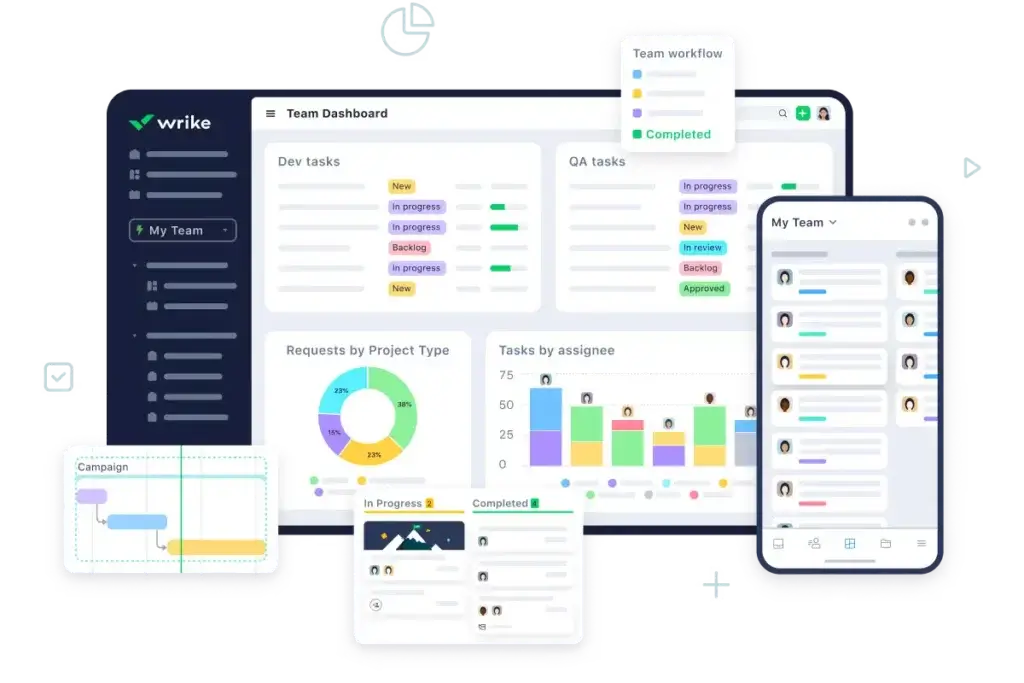
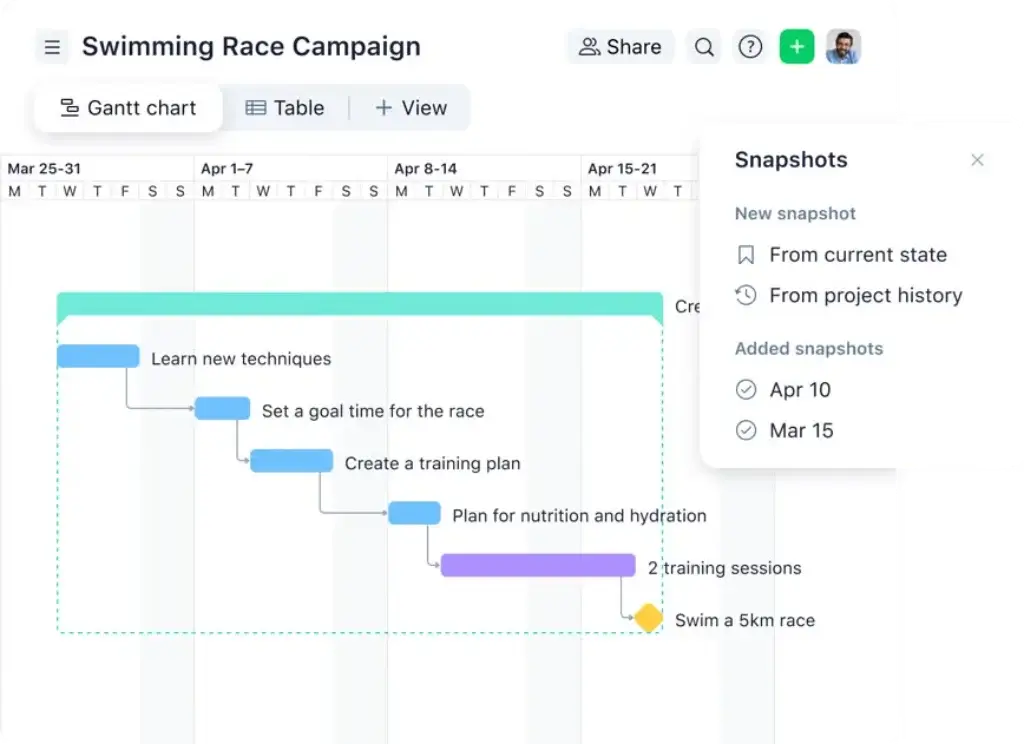
Wrike is stronger when work follows a traditional project model. Teams can organize spaces, folders, projects, tasks, subtasks, milestones, dependencies, and custom item types. Interactive Gantt charts and project templates support repeatable delivery, while standardized statuses and fields make portfolio reporting more reliable.
Wrike can feel more natural for PMOs and professional services teams that already use project phases, resource roles, baselines, and formal governance. monday.com remains highly capable, but it requires thoughtful board relationships when projects become deeply layered.
Better choice: close. Choose monday.com for adaptable cross-functional work. Choose Wrike when consistent project hierarchy and formal delivery controls are more important than flexibility.
Workflow Automation, Intake, and Approvals
monday.com Makes Automation Easier to Expand
Everyday Workflow Building
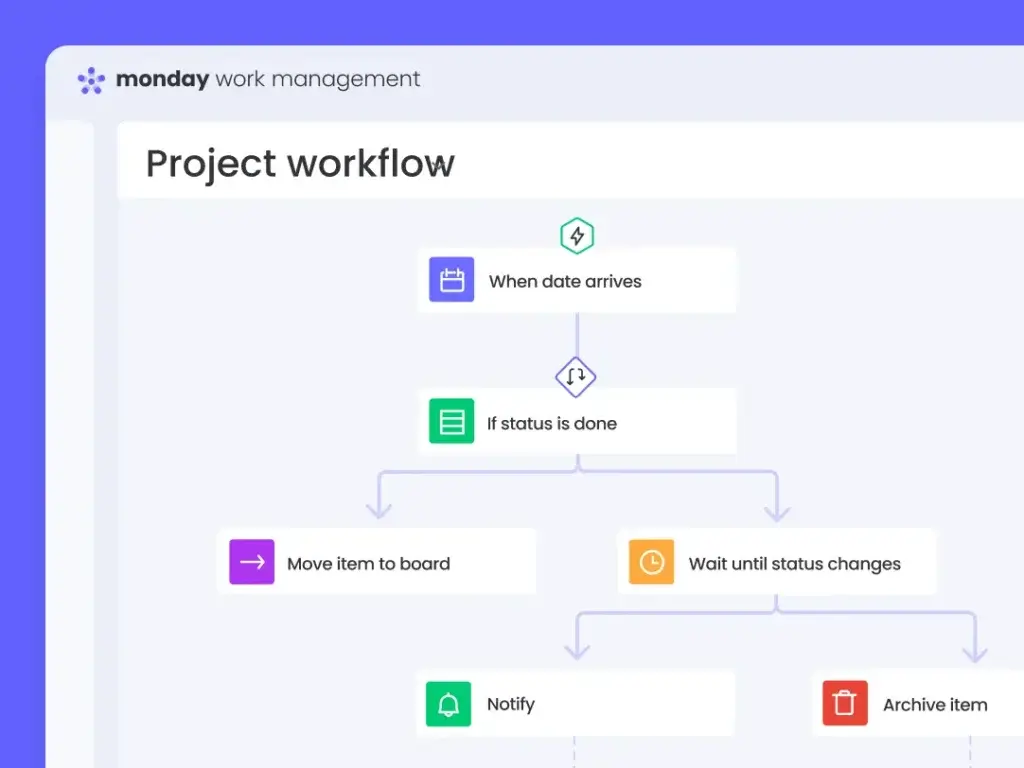
monday.com uses automation recipes and a visual workflow builder to handle assignments, reminders, status changes, notifications, board creation, approvals, and integrated actions. The trigger-and-action language is approachable enough for operations managers and team leads to maintain without depending on a technical administrator.
Wrike supports automation rules, request forms, conditional logic, custom workflows, and blueprints. These tools are powerful for standardized intake and project creation, especially on the Business plan and above. Wrike can convert a request into structured work with the right project template, approvals, owners, and fields already applied.
Plan Limits Matter
monday.com Standard includes 250 automation actions and 250 integration actions per month. This is enough for light reminders and handoffs, but an active workflow can consume the allowance quickly. Pro increases the allowance to 25,000 automation and 25,000 integration actions per month.
Wrike Team includes basic automation and AI-assisted rule creation, while Business adds more advanced automation, request forms, custom item types, and broader workflow controls. The practical comparison is therefore monday.com Pro at $19 per seat against Wrike Business at $25 per user for teams that need serious workflow automation.
Better choice for accessible automation: monday.com. Wrike is excellent for controlled intake and repeatable project creation, but monday.com makes automation easier to distribute across departments.
AI Features and Workflow Intelligence
Both Platforms Now Combine People and Agents
monday.com AI
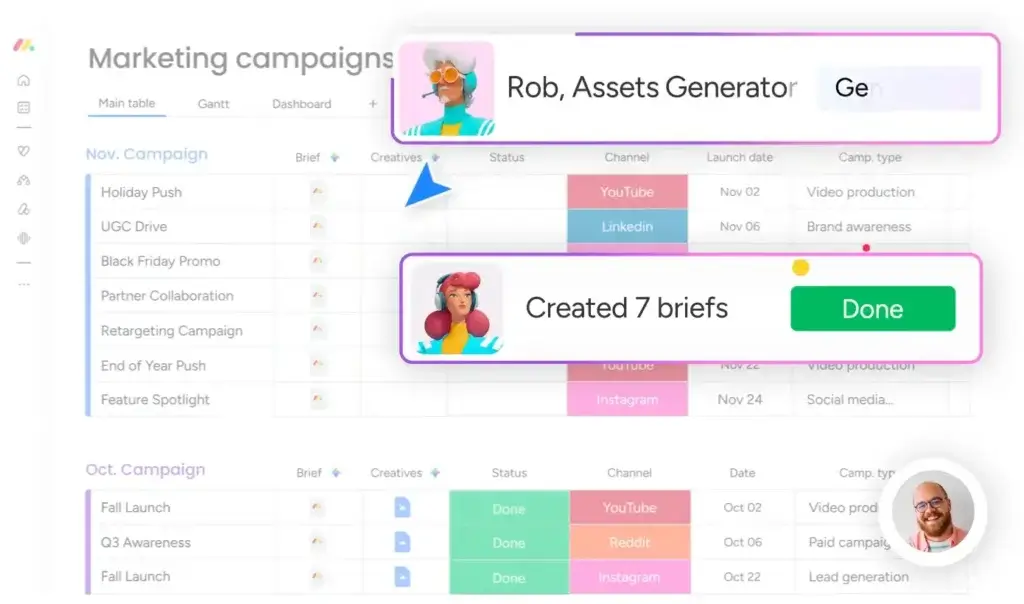
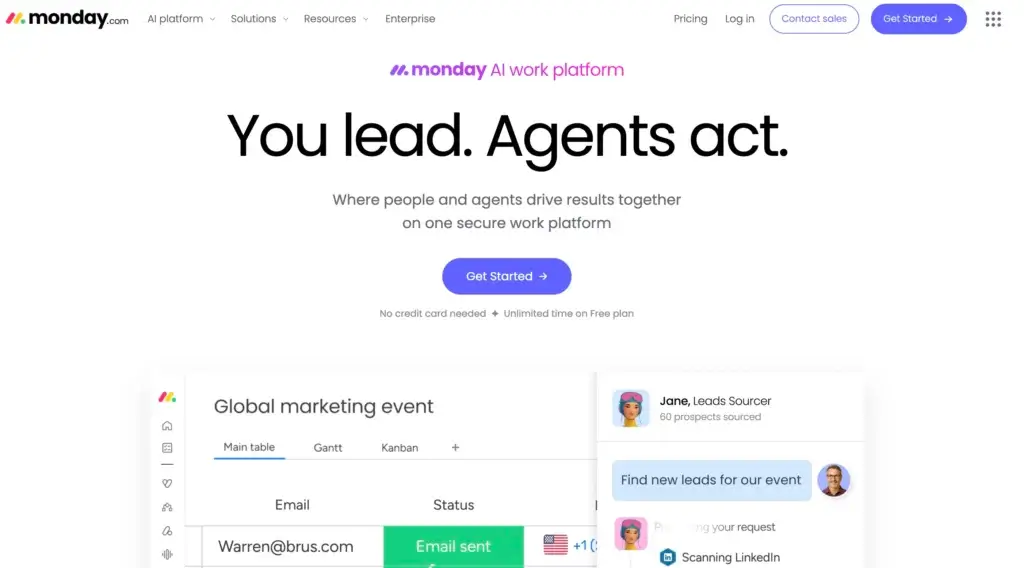
monday.com treats AI as a platform layer through Sidekick, agents, AI columns, workflow building, meeting support, and Vibe app creation. AI outputs can become structured fields, assignments, status changes, and workflow steps. The main limitation is cost predictability because usage follows a credit model.
Wrike AI
Wrike combines Copilot, agents, insights, risk detection, and rule generation. Its Work Intelligence Graph gives AI context about projects, roles, workflows, and permissions. Business and higher plans include AI Elite actions, making Wrike persuasive for organizations with standardized data and governed processes.
Which AI Approach Is Better?
monday.com is the better choice when you want AI to help build and execute flexible workflows across departments. Wrike is competitive when governance, auditability, and structured project context are the priority.
Better choice for broad workflow-centered AI: monday.com. Better choice for tightly governed enterprise project AI: Wrike. Test both with your own data, permissions, and recurring work before estimating AI value or cost.
Creative Proofing and Collaboration
Wrike Has the Stronger Native Review Cycle
Both platforms support comments, mentions, files, notifications, guests, and activity histories. monday.com keeps collaboration close to board items and Workdocs, which can include live board data and action items. File annotations and approval automations support common review workflows.
Wrike goes further for creative production. Its native proofing tools allow reviewers to place comments directly on images, videos, PDFs, and Microsoft Office files. Teams can manage versions, collect contextual feedback, assign approvers, and track approval status without moving the asset into a separate proofing platform.
This advantage matters for agencies, in-house creative teams, and marketing departments that process high volumes of visual assets. monday.com can support the same operating process, but teams may need a marketplace app such as PageProof when they require advanced comparisons and proofing controls.
Better choice for creative proofing: Wrike. monday.com is better for general collaboration around structured work, while Wrike offers the more complete native asset-review experience.
Dashboards, Reporting, and Resource Management
monday.com Makes Reporting Easier to Consume
monday.com dashboards translate board data into charts, workload views, timelines, numbers, project health, and portfolio summaries. The visual design makes them effective for executives and clients who need a clear answer without learning how every project board is configured.
Wrike dashboards and reports are more closely tied to its structured hierarchy and fields. When teams use consistent project templates, Wrike can produce detailed operational reporting across status, ownership, workload, time, risk, and delivery performance.
Wrike Goes Deeper for Resource Planning
monday.com supports workload management, team schedules, resource planners, and enterprise capacity management. It is strong enough for many departments and gives managers an accessible view of over-allocation.
Wrike provides a deeper resource management path for mature PMOs and service organizations. Advanced plans add job roles, skills, custom user fields, effort allocation, time tracking, capacity planning, and budgeting. Managers can evaluate demand across projects and connect staffing decisions to financial performance.
Better choice for executive dashboard accessibility: monday.com. Better choice for advanced capacity and financial resource planning: Wrike.
Integrations and Extensibility
Both platforms integrate with common communication, file storage, development, CRM, and productivity tools. monday.com connects with apps such as Slack, Microsoft Teams, Google Workspace, Outlook, Jira, GitHub, HubSpot, and Salesforce, while its marketplace, Make, Zapier, API, and MCP support broader extensions.
Wrike supports a large integration catalog, an API, Wrike Integrate for advanced automations, Wrike Sync for bidirectional connections, and an MCP server for AI assistants. The strongest integration features may require Apex or an add-on, so confirm packaging during procurement.
Do not choose based on the advertised integration count. Test the exact workflow: field mapping, update direction, authentication ownership, error handling, rate limits, and whether the integration consumes automation actions.
Better choice: close. monday.com is easier for common no-code business connections, while Wrike offers powerful enterprise integration options at higher tiers.
Pricing and Total Cost
monday.com appears less expensive once teams compare the plans that include advanced workflow features. Wrike Team is competitively priced, but it is limited to 2-15 users and does not include several capabilities that make Wrike distinctive. Business costs $25 per user per month and is the practical starting point for advanced request forms, resource management, approvals, reporting, and AI Elite.
| Plan Level | monday.com | Wrike |
| Free | Up to 2 seats, 3 boards, and basic limits | Unlimited users with essential task management and limits |
| Entry paid | Basic at $9 per seat/month annually | Team at $10 per user/month for 2-15 users |
| Mid-tier | Standard at $12 per seat/month annually | No direct equivalent between Team and Business |
| Advanced | Pro at $19 per seat/month annually | Business at $25 per user/month |
| Enterprise | Custom pricing | Pinnacle and Apex use custom pricing |
| AI packaging | Credits included by plan, with more available to purchase | AI Essentials on Team and AI Elite actions on Business+ |
| Important billing rule | Seat-bucket pricing | Subscriptions sold in user groups, Business+ annual |
What a 10-Person Team Should Compare
At annual list pricing, monday.com Standard costs $120 per month for 10 seats, while Wrike Team costs $100 per month. Wrike Team is cheaper, but monday.com Standard includes a broader cross-functional feature set, including guest access, timeline and Gantt views, calendar, automations, integrations, and multi-board dashboards.
For advanced workflows, monday.com Pro costs $190 per month for 10 seats, while Wrike Business costs $250 per month. Wrike Business can justify the premium when native proofing, formal approvals, advanced request forms, and deeper resource controls replace separate tools. For a general operations or marketing team, monday.com Pro usually delivers better value.
The Hidden Cost Checklist
- Workspace architecture and implementation services
- Administrator training and ongoing governance
- Unused seats caused by billing groups
- Automation actions and AI usage packs
- External proofing, time tracking, or resource tools
- Migration, field mapping, and historical data cleanup
- Contributor adoption and incomplete status updates
Better choice for advanced self-service value: monday.com. Wrike can provide stronger value for creative operations and resource-intensive delivery teams that would otherwise purchase additional specialist software.
Security, Administration, and Enterprise Readiness
Both vendors support major security and privacy standards, including SOC and ISO programs, GDPR controls, and HIPAA-oriented configurations. Enterprise plans add features such as SAML SSO, SCIM provisioning, audit logs, advanced permissions, and administrative controls.
monday.com Enterprise combines multi-level permissions, IP restrictions, audit capabilities, enterprise support, and advanced portfolio and resource tools. Its usability advantage can improve practical governance because users are less likely to bypass the official system.
Wrike offers strong enterprise administration, locked spaces, data residency options, detailed access controls, and Wrike Lock for organizations that need control over encryption keys. Wrike deserves special consideration when security architecture, regional hosting, or formal project governance is part of the procurement requirement.
Better choice: close. monday.com is easier to govern through adoption, while Wrike provides compelling controls for highly regulated and security-sensitive enterprises.
Which Platform Fits Your Team?
Choose monday.com for Marketing and Cross-Functional Operations
monday.com gives marketing and operations teams the stronger balance of intake, planning, approvals, budgets, reporting, and everyday usability.
Choose Wrike for Creative Production and Formal Approvals
Wrike is better when teams review many visual assets, videos, and documents because native markup, versions, and approvals can replace a separate proofing tool.
Choose Wrike for Advanced Resource and Capacity Planning
Professional services teams and mature PMOs should consider Wrike when roles, skills, utilization, time, budgets, and capacity forecasting are central to delivery.
Choose monday.com for Leadership Visibility
monday.com presents project health, deadlines, workload, and risk in dashboards that executives can understand without opening every project.
Choose monday.com for Faster Organization-Wide Adoption
monday.com is easier to standardize across departments because different workflows still share a familiar visual model.
Pros and Cons of monday.com vs Wrike
| Platform | Main Advantages | Main Drawbacks |
| monday.com | Visual adoption, flexible workflows, dashboards, accessible automation, lower advanced-plan price | Seat buckets, small free plan, feature gates, AI credit planning |
| Wrike | Proofing, formal approvals, project hierarchy, capacity planning, enterprise controls | Higher Business price, steeper setup, advanced features concentrated in upper tiers |
monday.com vs Wrike: Which Should You Choose?
Choose monday.com If You Want
- A visual platform that occasional users can understand quickly
- Flexible workflows across departments and ongoing operations
- Accessible automation that team leads can maintain
- Clear dashboards for executives, clients, and stakeholders
- Strong advanced-plan value without moving to custom pricing
Choose Wrike If You Want
- Structured projects with formal hierarchy and governance
- Native creative proofing and multi-stage approvals
- Detailed capacity, role, time, and budgeting controls
- Advanced security options such as customer-managed encryption keys
- A platform designed around mature PMO processes
Overall Recommendation
monday.com is the better project management and work management platform for most organizations. It offers enough depth for complex workflows while remaining easier to adopt, configure, and explain across departments. Its visual interface is not only a design advantage. It improves data quality because more people understand where and how to update work.
Wrike is the stronger choice for a narrower but important group: creative operations teams that need native proofing, professional services organizations with advanced capacity requirements, and enterprises that already operate through formal PMO governance. In these cases, Wrike’s additional structure can reduce risk and replace specialist tools.
Run the same two-week pilot in both products before purchasing. Include an administrator, project manager, everyday contributor, occasional stakeholder, and external reviewer. Measure setup time, completed updates, approval speed, dashboard accuracy, and the number of questions users ask. The platform your team maintains consistently will create more value than the platform with the longest feature list.
Frequently Asked Questions
-
Is monday.com better than Wrike?
monday.com is better for most teams because it combines flexible workflows, visual reporting, accessible automation, and easier adoption. Wrike is better for native creative proofing, formal project governance, and advanced resource planning.
-
Is monday.com or Wrike easier to use?
monday.com is generally easier to learn. Its boards and color-coded statuses require less explanation. Wrike is efficient after setup, but its spaces, folders, projects, tasks, and custom structures usually require more onboarding.
-
Is Wrike cheaper than monday.com?
Wrike Team starts at $10 per user per month, while monday.com Basic starts at $9. However, Wrike Business costs $25 per user, compared with monday.com Pro at $19 per seat for advanced self-service features.
-
Which has the better free plan, monday.com or Wrike?
Wrike has the more practical free plan for a team because it supports unlimited users with limits. monday.com’s free plan supports up to two seats and is better suited to individual testing or a very small workspace.
-
Which is better for marketing teams, monday.com or Wrike?
monday.com is better for most marketing teams because it connects campaign planning, content calendars, budgets, requests, and dashboards in an approachable workspace. Wrike is stronger when creative proofing and formal approvals dominate the process.
-
Which is better for resource management?
Wrike offers deeper advanced resource planning with roles, skills, effort, time, capacity, and budgeting. monday.com provides clearer workload and capacity views for teams that need accessible allocation without a complex professional services model.
-
Does Wrike have better proofing than monday.com?
Yes. Wrike’s native proofing supports contextual comments on images, videos, PDFs, and Microsoft Office files, plus versions and approvals. monday.com supports annotations and approval workflows but may need an app for advanced proofing.
-
Which platform has better AI features?
monday.com is stronger for flexible AI workflows, agents, structured AI columns, and app creation. Wrike is compelling for governed enterprise AI that uses project context, roles, permissions, and standardized work data.
-
Is monday.com or Wrike better for enterprise teams?
Both support enterprise security and governance. monday.com is better when adoption across many departments is the priority. Wrike is stronger when a mature PMO needs formal controls, advanced resources, locked spaces, or customer-managed encryption keys.
-
Can you migrate from Wrike to monday.com?
Yes. Teams can export Wrike data and import or map it into monday.com through files, APIs, or integration tools. Plan the migration around hierarchy, custom fields, dependencies, attachments, permissions, and reporting requirements.